
When Should You Automate a Business Workflow?
Learn when business workflow automation makes sense, which processes to automate first, and where AI, APIs and human approvals fit.
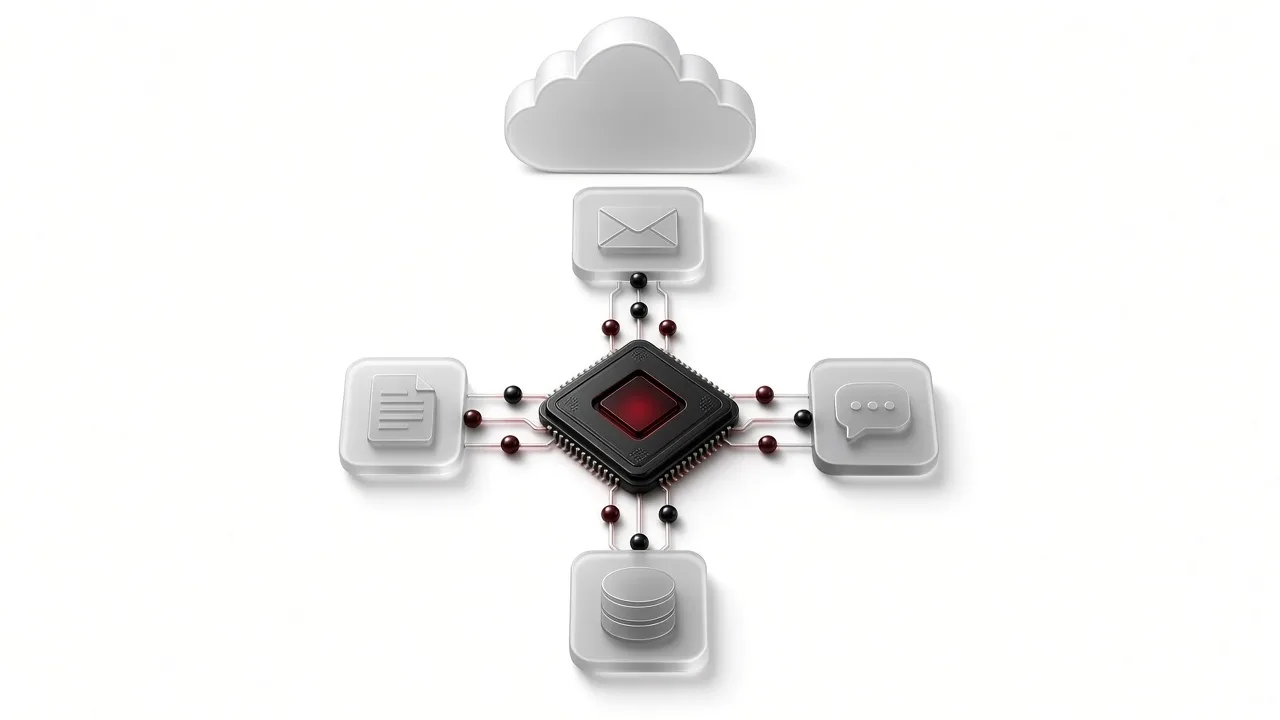
Not every repetitive task should be automated. The right business workflow automation strategy starts with understanding which processes consume time, follow clear rules, and can be improved without losing necessary human oversight.
What Is Business Workflow Automation?
Business workflow automation uses software to complete repetitive tasks and move information between business systems with minimal manual effort.
For example, when a customer submits an enquiry, automation can capture their details, create a CRM record, assign the enquiry to a team member, and send an internal notification.
This reduces unnecessary manual data entry and helps teams manage work consistently.
Five Signs a Workflow Is Ready for Automation
1. The Process Happens Frequently
Tasks such as lead management, reporting, notifications, and data synchronization are often good automation candidates.
2. The Rules Are Clearly Defined
Automation works best when the required actions and conditions are predictable and documented.
3. The Data Is Accessible
Business applications should provide reliable access through APIs, webhooks, databases, or supported integrations.
4. Errors Can Be Managed
A reliable workflow should include monitoring, error handling, and human approval when required.
5. Results Can Be Measured
Measure improvements such as reduced manual processing time, fewer duplicate records, and faster internal handoffs.
Common Business Workflow Automation Examples
- Lead management: Automatically send website enquiries to a CRM.
- Invoice reminders: Generate reminders based on payment status.
- Customer support: Categorize support requests and assign them to the right team.
- Approval workflows: Organize purchase requests, expenses, and document approvals.
- Reporting: Synchronize data and generate recurring business reports.
When Should You Avoid Automation?
Not every process needs automation.
Avoid automating immediately when:
- Business rules frequently change.
- Data is unreliable or incomplete.
- Every decision requires expert judgment.
- Security and access controls are insufficient.
- The expected business benefits are unclear.
Improve and document the process before introducing automation.
AI Assistants vs n8n vs Custom API Integrations
Workflow Automation Platforms
Tools such as n8n help connect supported applications and create structured workflows using triggers, conditions, and actions.
AI Assistants
AI assistants can support document summarization, information extraction, email classification, and draft generation.
Human review remains important for sensitive or consequential decisions.
Custom API Integrations
Custom integrations are useful when businesses need specialized workflows, complex data handling, or connections between internal applications.
How to Start Automating Business Processes
- Identify one repetitive business problem.
- Document the workflow, rules, systems, and exceptions.
- Build a small and controlled automation.
- Measure results and improve the workflow.
- Expand only after the first implementation works reliably.
Frequently Asked Questions
Which business processes should be automated first?
Start with frequent, rule-based activities that have measurable results, such as lead routing, notifications, and data synchronization.
Can AI automate every business workflow?
No. Some workflows require human judgment, approvals, and exception handling.
Is n8n suitable for business automation?
n8n can help connect supported applications and manage structured automation workflows. Suitability depends on technical and security requirements.
Does every business need custom automation software?
No. Existing platforms may be sufficient for common workflows, while custom integrations can support specialized business requirements.
Final Thoughts
Successful workflow automation is about solving real business problems, not simply adding more technology.
Start with a clearly defined process, choose the right tools, and maintain human oversight where necessary.
Explore AI Automation with Three Spaces
Three Spaces helps businesses develop workflow automation, AI-assisted processes, and custom system integrations.
Learn more about our AI Automation Services.
Have a project in mind? Start a Project.